7
777 PAY
Automatic Payout Guide · Watch the demo video first
Demo Video
i
If playback stutters, wait for the video to finish loading, then drag the progress bar to key steps.
Step-by-Step Guide
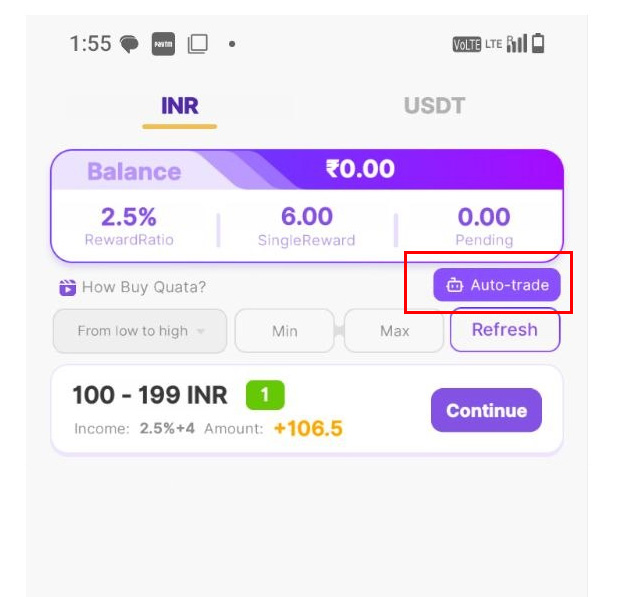
Step 1 Use Paytm or PhonePe wallet to pay a payment order and initiate automatic transaction
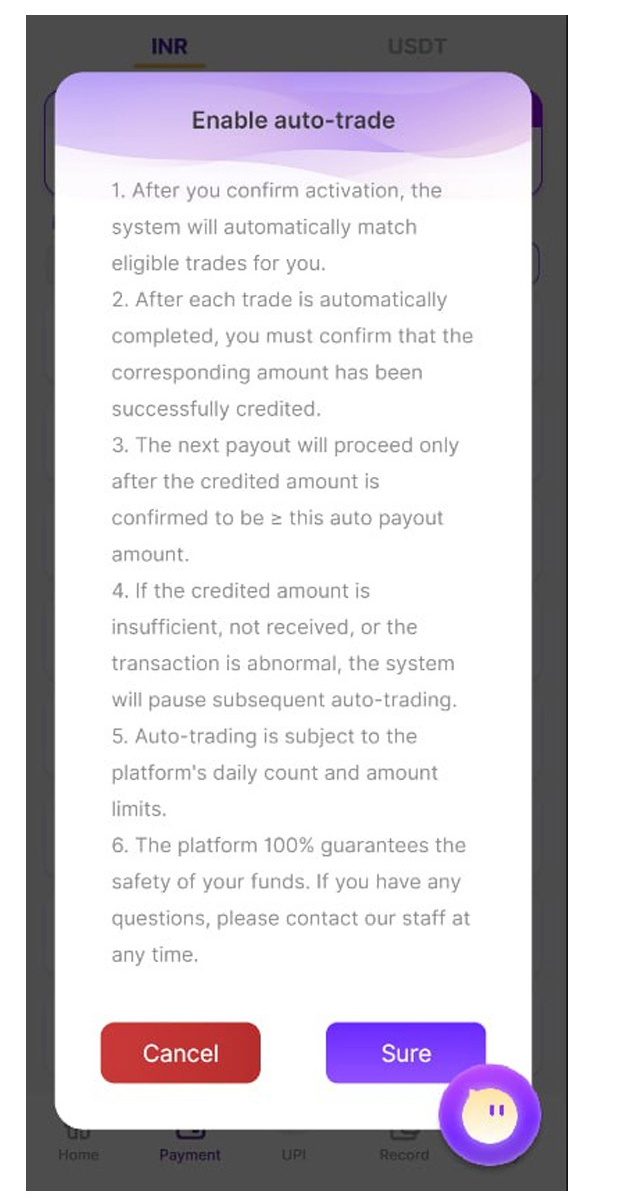
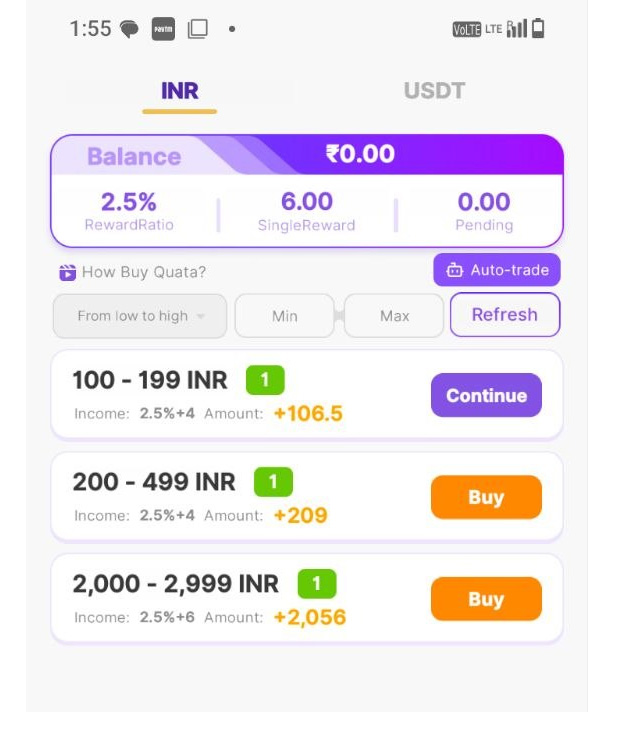
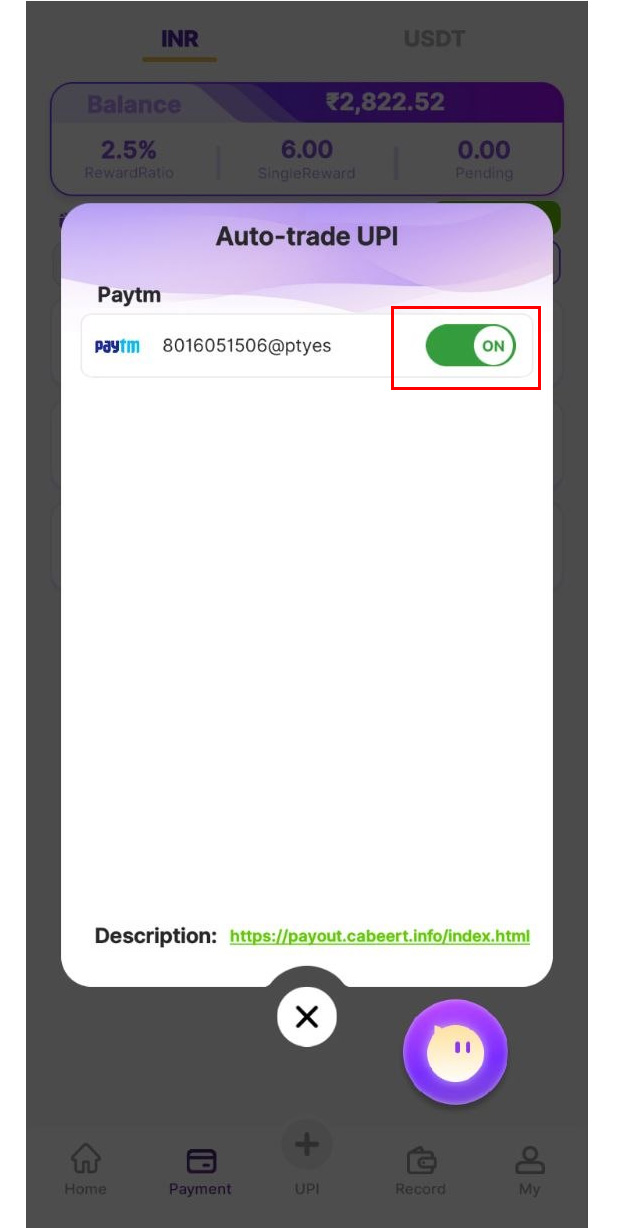
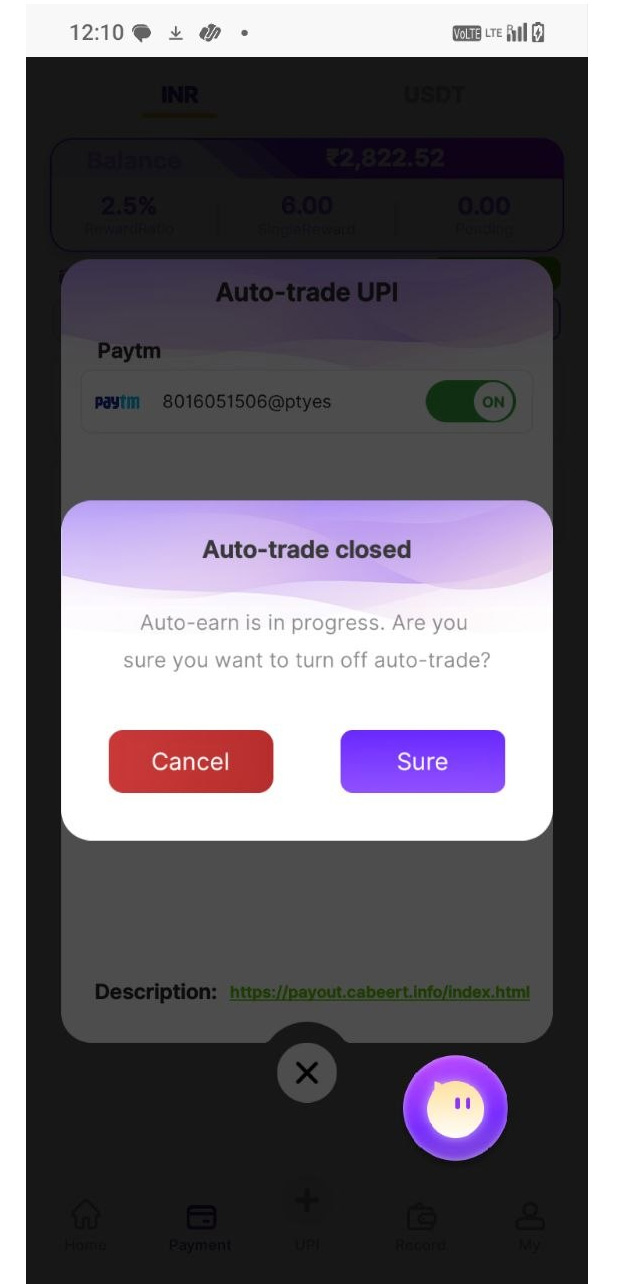
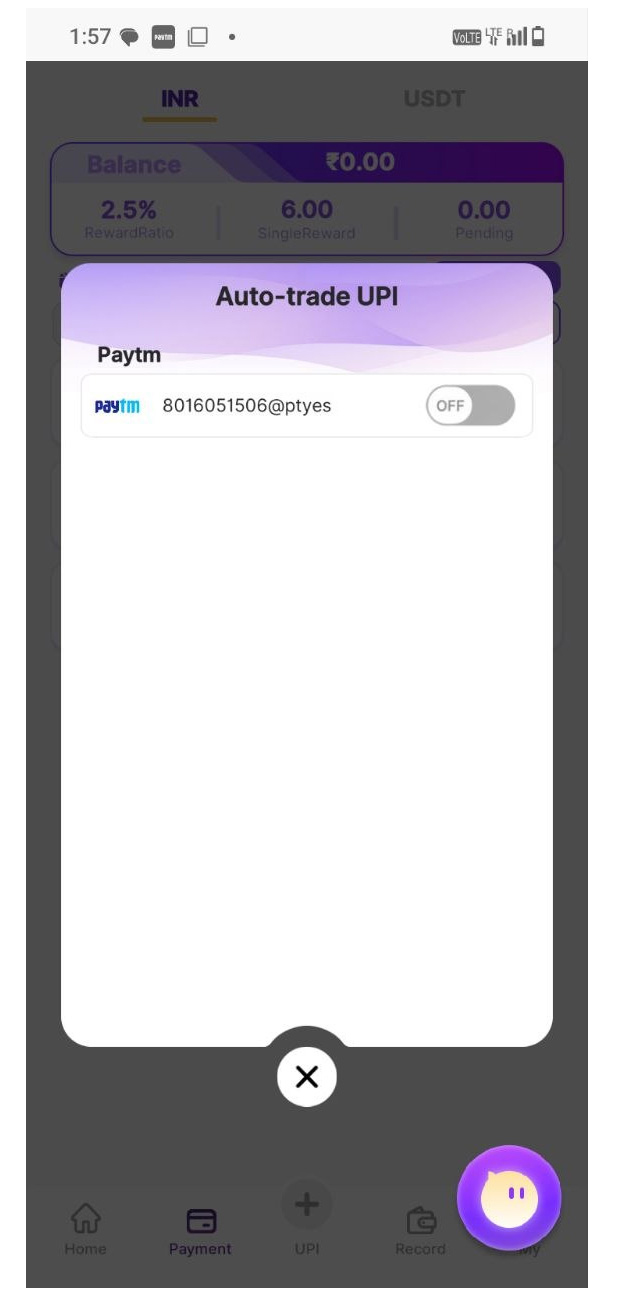
Step 2 Click the "Auto-trade" button to proceed and turn automatic trading off/on